


 JuJuBit Membership


 Pro

Figurine vs Action Figure: Which One Do You Actually Want?
A figurine holds one pose; an action figure has joints. The three real outcomes for a...
Loading secure checkout...


Compare JuJuBit with custom figurine and miniature makers. See how you start, what you can customize, and what you get.
| Capability |  |
 Hero Forge |
 TitanCraft |
 3Daily |
 KibiFig |
|---|---|---|---|---|---|
| Starting point | Photo, art, or prompt | Parts builder | Preset or kitbash | Front-facing photo | Reference photos |
| Person or pet from photo | People & pets | Parts builder | Parts builder | People & pets | People & pets |
| When you see a preview | Before ordering | In the builder | In the builder | Before ordering | After ordering, before print |
| How you make changes | Edit selected 3D areas | Edit parts, pose & color | Adjust bones & proportions | Paid artist polish option | Send feedback for revisions |
| Physical figure | |||||
| Full-color finish | Color Plastic only | Resin or sandstone | |||
| Downloadable 3D file | GLB add-on | STL | STL / OBJ | ||
| Size or scale | From 4 cm incl. base | 30 mm scale | 30 / 32 / 34 mm | 3–12 in by material | 4 / 6 / 8 cm |
| Pricing basis | Figurine size | Material & size | Print, file, or assets | Modeling + printing | Product variant |
| Making & shipping | Made to order; transit varies | Typically ships within 4 weeks | US production: 3–4 weeks | Timing varies by product | Transit varies by destination |
 3Daily
Compare how each service turns a photo into a figurine, when you can see the 3D model, and what you can edit yourself.
 Dodowish
Both turn a photo into a finished, full-color figurine. In the JuJuBit app, you can rotate a 3D model before ordering. Dodowish says it builds a model preview and starts production only after you confirm it, with production estimated at 10–15 business days.
 Doodles Toy Factory
Both services turn your reference into a full-color figurine. Doodles Toy Factory interprets it in its signature cartoon style. JuJuBit lets you choose a look, from chibi or anime to a tabletop miniature, and rotate a 3D model before you order.
 Eldritch Foundry
Compare a full-color figurine based on your art with a tabletop miniature you build from parts and paint yourself.
 Hero Forge
See how starting with your own art or photo compares with building a tabletop character from a library of parts.
 KibiFig
Compare two ways to turn a photo into a custom figurine. See when you can preview the model and how revisions work.
 MyChibiFigure
JuJuBit uses your reference to create a physical custom figurine. MyChibiFigure offers a different way to personalize the order. The shop lists portraits, cosplay and original-character references as starting points for Chibi figures.
 MyMiniFactory
Decide between ordering a finished full-color figurine and downloading an STL to print and paint yourself.
 SnapFigures
Compare photo-to-figurine workflows, including when you can inspect the 3D model and make changes before ordering.
 TitanCraft
Compare starting with your character art and assembling a model from reusable parts. See how printing and STL options differ.
YOUR ART → YOUR MINIATURE
Choose your image and a style, then generate a preview here.
KEEP READING
A figurine holds one pose; an action figure has joints. The three real outcomes for a...
Four custom figurine services compared on the same size: price, preview policy, color method, production time,...
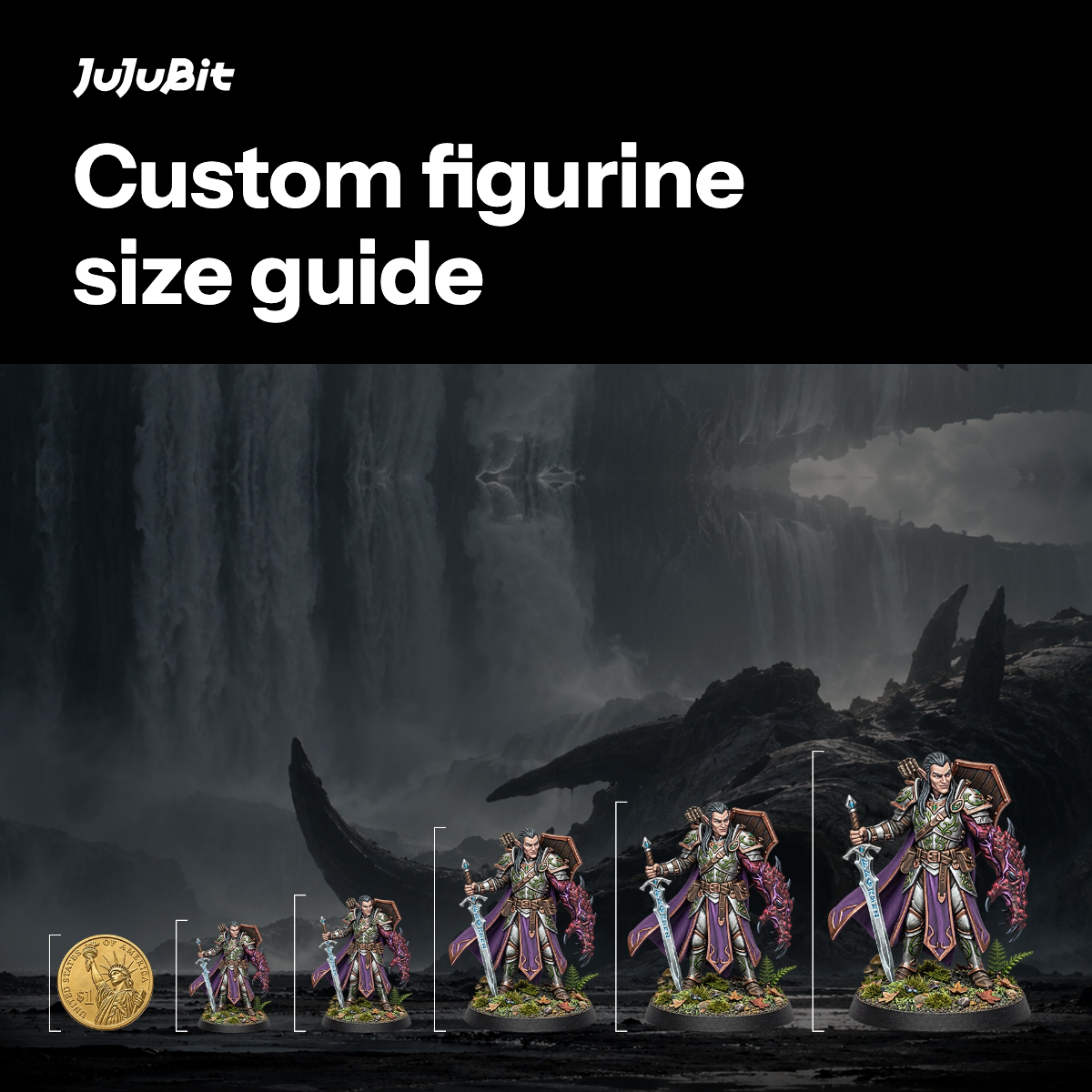
Compare JuJuBit custom figurine sizes from 4 cm to 10 cm, learn how height is measured,...