JuJuBit Membership


 Pro


In this article
Choose an AI. Then summarize or ask.
Opens AI with context from this guide.
Yes, but the photo never goes to the printer. A photo is a flat picture from one angle. A printer needs a closed 3D shape with real thickness, and it needs to know how the color gets onto the material. Someone, or some software, has to invent everything the photo does not show: the back of the head, the sides, and how the body stands.
That gap is where these projects succeed or fail. This guide shows the three things a photo can become, the three ways people actually get there, and a plain test for choosing one before you spend money or a weekend.
The short answer
- A photo file cannot be printed. It has to become a 3D model first.
- One photo only shows one side. The model guesses the rest, and those guesses are where likeness breaks.
- You can get three different objects: a backlit panel, a raised plaque, or a freestanding figure. They are not the same job.
- There are three routes. Do it yourself, generate a file and send it to a print service, or order a finished figurine.
- The route that looks fastest on screen is often the slowest once you count cleanup.
What a photo can actually become
People say "3D print a photo" and mean three different objects. A printer maker's guide separates them, and the split matters because each one needs a different amount of work.
What you want |
What the photo becomes |
What you need |
The hard part |
|---|---|---|---|
A backlit panel (a lithophane) |
A thin plate whose thickness follows the photo's brightness |
One clear photo and a filament printer |
It only works when lit from behind, and it is usually one color |
A raised plaque |
A shallow relief standing up from a flat backing |
One high-contrast photo |
The depth is a style choice, not the person's real shape |
A freestanding figure |
A complete object you can look at from every side |
Several views, or software that guesses the hidden sides |
Everything the photo hides has to be built or invented |
A lithophane is the easiest of the three. You turn the photo's brightness into thickness, print the plate in a light filament, and the picture appears when you shine a light through it. One walkthrough does exactly this for a face, in six steps, and the result is a panel rather than a person you can hold and turn.
A freestanding figure is the one most people actually want, and it is the one this guide focuses on. It is also the only one of the three where the photo's missing information becomes your problem.

Why one photo is never enough information
A camera records one viewpoint. A figure has to make sense from all of them.
A studio guide on photo figurines describes what happens in practice. The front of the face can look right while the profile is wrong, the back of the head is mush, and the hands fuse together. Clothing folds turn into noise. None of that shows up until you rotate the model.
This is not a flaw in one piece of software. Any tool that starts from a single image has to guess the geometry it cannot see, and a guess that looks plausible from the front can be badly wrong from the side. The same guide's practical rule is blunt: if anyone will care that the back of the head or the jawline is wrong, do not trust a single-image result without real correction time.
A designer who tried to build miniatures from one photo ran into the same wall with hands, and worked around it by posing people with their hands in their pockets or behind their backs. That is a reasonable shortcut for a stylized piece. It is also an admission that the hands were never really recovered from the photo.
So the useful question is not "can the software make a model." It is "how much of this model is the photo, and how much is a guess I am willing to live with."
The three routes, and what each one really costs you
Once you know you want a freestanding figure, there are three ways to get one. They differ in who does the guessing and who fixes it.
Do it yourself |
Generate a file, print it elsewhere |
Order a finished figurine |
|
|---|---|---|---|
Who builds the 3D shape |
You, with scanning or AI tools |
An AI tool, from your photo |
The service, from your photo |
Who fixes the shape |
You |
You, unless you pay someone |
The service |
Who prints it |
You |
A print bureau |
The service |
What you need |
A printer, software, and time |
A photo and a budget for fixes |
A photo |
What you get |
Full control, and all the cleanup |
A file you can reprint, plus homework |
A finished object |
Where it goes wrong |
Cleanup takes longer than generation |
The file looks done and is not printable |
You cannot edit the result yourself |
Route 1: Do it yourself
This is the path every tutorial assumes. You capture the person, build a model, repair it, and print it.
Capturing. Two methods work, and they fail differently. Photogrammetry uses many overlapping photos to reconstruct real shape, so the head, shoulders, and clothing come out closer to the truth. Its mesh arrives dense and noisy, and it needs a person who can hold still. Single-image AI predicts a shape from one photo in minutes. It is fast, and it invents the sides it cannot see. The studio guide recommends photogrammetry when the likeness has to survive being looked at from the side, and single-image AI when you plan to sculpt over the result anyway.
Repairing. Raw output is almost never printable. The same guide's cleanup list is the one worth keeping: delete floating fragments, close holes under the chin and around the ears, separate shapes that intersect, thicken anything paper-thin, then check that the surface is fully closed. Do this before you touch fine detail. Detail on a broken mesh is wasted work.
Printing. Resin captures faces, hair, and cloth far better than filament, which the guide reserves for cheap test prints where layer lines do not matter. Orientation matters too: printing a figure standing straight up puts the layer steps and the support marks right across the face. Tilting it moves those scars to the back.
The honest cost. The tools are the cheap part. The time is not. People who ask for a printed miniature of their kids are usually surprised by how much sanding, fixing, and painting is left after the model exists. If you enjoy that work, this route is the best one. If you wanted an object by the weekend, it is the wrong one.
Route 2: Generate a file and have it printed
Image-to-3D tools turn one photo into a downloadable model in about a minute, in formats like STL, OBJ, or GLB. A comparison of these tools notes that they run in a browser, so you do not need a powerful computer, and that STL is the format most printers expect.
This route is popular because it feels finished at the download. It is not. The tool comparison itself records the catches: some exports arrive with broken surface normals that cause trouble in printing, and faster tools produce messy geometry that needs cleanup. You have moved the printing to someone else, but the repair work is still yours.
Use this route when you want the file for more than one purpose, such as printing several copies yourself later, or when you already know how to check a mesh. Do not use it when you want to hand someone a photo and receive an object.
Route 3: Order a finished figurine
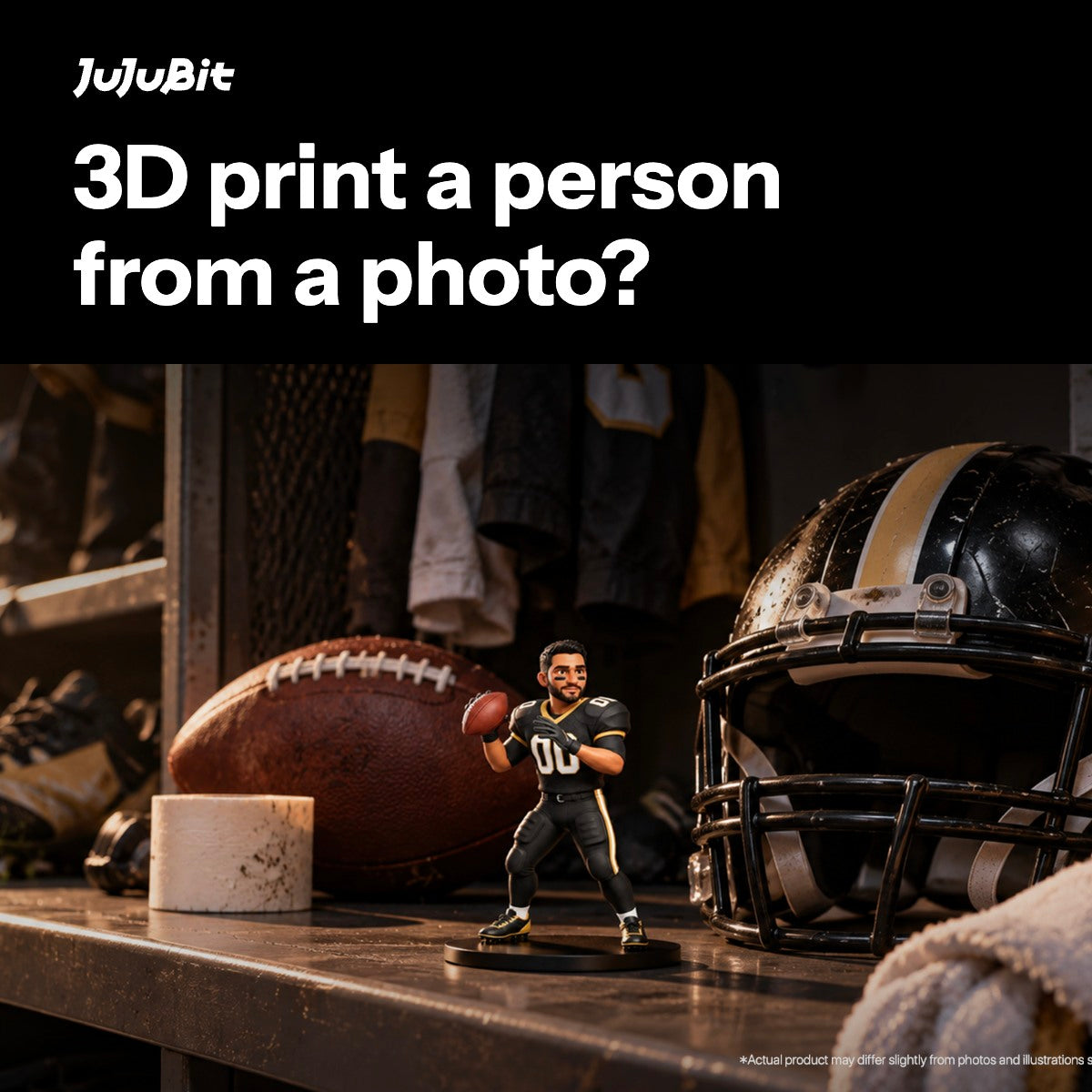
A figurine service takes the photo, builds the model, fixes it, prints it in color, and ships the object. You trade control for not having to learn any of the above.
At JuJuBit, the steps are:
- Pick a style and upload a photo. A front-facing photo with even light and a clear face works best. A selfie, a sketch, or a character image also works, and you can add notes about the outfit, pose, and expression.
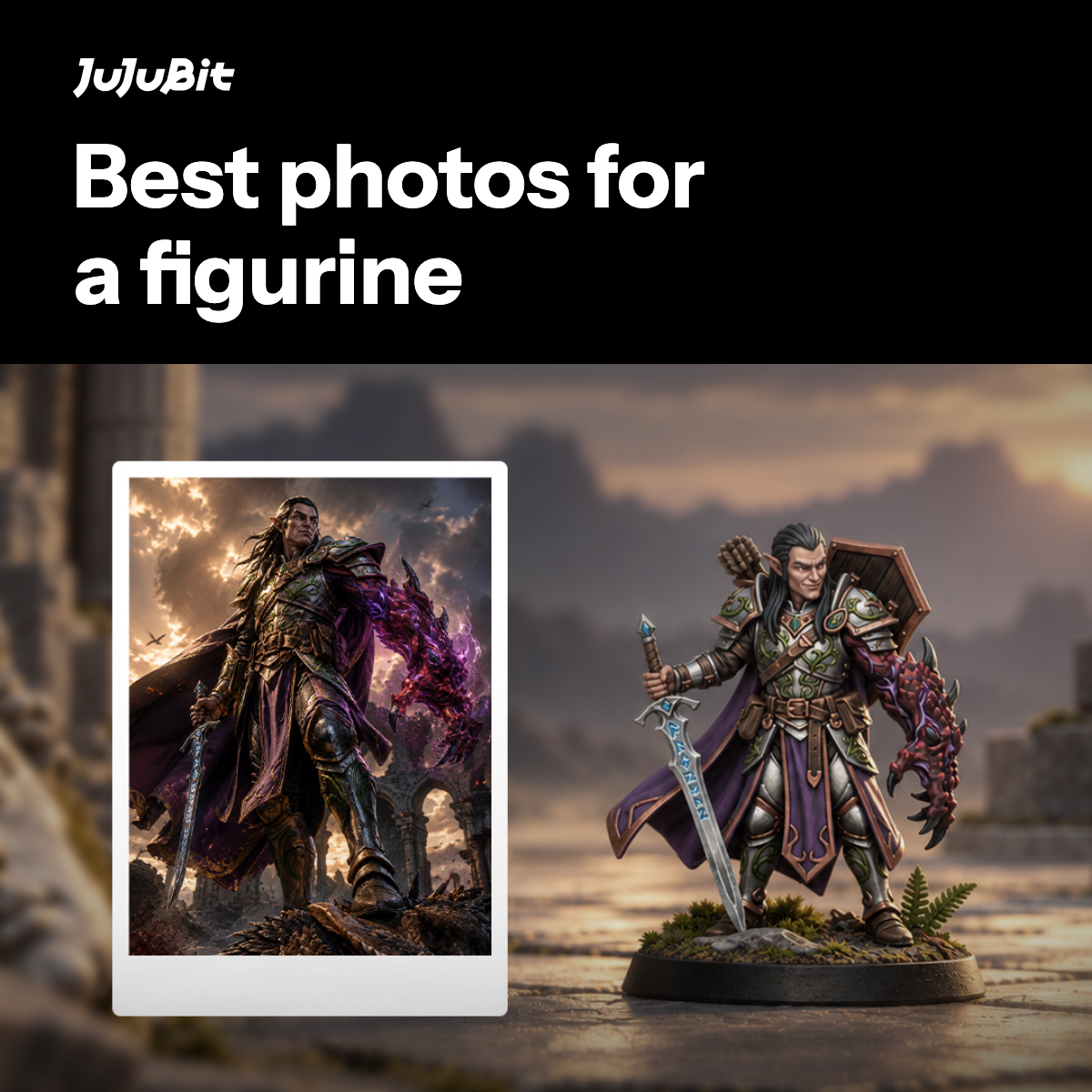
- Check the preview before you pay. An AI-assisted workflow builds a first 3D model in about two minutes. Rotate it, try another style, upload a different photo, and adjust the pose and expression until it looks right.
- Choose a size. One person starts at $29.99 for 4 cm, $69.99 for 6 cm, and $169.99 for 10 cm, checked on November 14, 2026.
- Artists fix it, then it prints. After you order, 3D artists refine the face, proportions, hair, and clothing. The figurine is printed in photopolymer resin, with the color formed during printing rather than painted on afterwards. Production takes 7 to 10 business days, then it ships.
This is the route that removes the cleanup, and it has its own limits, listed below.

Which route fits you?
Who does the guessing, and who fixes it?
-
Question 1: Do you want to fix the model yourself?
DIY route
You model, repair, and print. Most control, most work.
-
Question 2: Do you want someone else to handle it?
Service route
Upload a photo. They model, fix, and print. Least work.
-
Question 3: Do you only want the file?
AI tool route
Get a 3D file. Print it yourself or send it to a service.
How to choose before you start
Answer these three questions in order. Each one eliminates a route.
- Do you want a physical object at all? If you only want to see the person in 3D on a screen, for a game, a post, or a preview, stop at the file. No printer needed.
- Do you want to do the repair work yourself? If yes, route 1 or route 2. If no, route 3.
- Does the likeness have to be right from the side, not just the front? If yes, do not trust a single photo unchecked. Either capture more angles, or use a service whose people review the model before it prints.
Worked example. You want a small figure of your father for your mother's birthday, which is five weeks away. You do not own a printer, and you do not want to learn mesh repair.
Question 1 says you need an object, so a file alone is out. Question 2 says route 3, because you will not do the repairs. Question 3 says the side view matters, since she will pick it up and turn it, so you want someone checking the model rather than printing the first guess.
A 6 cm figurine is $69.99. Production is 7 to 10 business days, and standard shipping inside the US is another 5 to 12. That is 12 to 22 business days, inside a five-week window. You would upload the clearest front photo you have, rotate the preview, and look specifically at the side of the face and the hair before ordering. If the preview looks wrong from the side, you upload another photo instead of hoping the print fixes it. It will not.
What to fix before anything gets printed
Whichever route you take, these are the checks that decide whether the result looks like the person. They come from the same failures the studio guide and the printer maker's guide both describe.
- Is the shape closed? A printable model has one continuous surface, with no holes. Open gaps under the chin, around the ears, and between the legs are normal in a raw scan or AI model. A slicer will guess at them, badly.
- Are the thin parts thick enough? Fingers, glasses, loose hair, and earrings look fine on screen at any thickness. In resin, a wall thinner than about 1 mm can break during printing or after. At a small size, this forces detail to be thickened or merged.
- Will it stand? A model floating in a viewer has no weight. A forward lean or a heavy head tips a real figure over. It needs a base or a balanced pose.
- Does the detail survive the size? A face that fills your screen may end up a few millimeters tall. Fine lines disappear at that scale. If a feature matters, print bigger or simplify the design.
- Is the back actually right? Rotate the model fully. This is where a single photo's guesses show: a flat skull, a smeared ear, hair that melts into the neck.
- How does the color get there? A photo's color does not travel with the shape. A plain STL file carries no color at all. You either paint the print, or you use a process that forms color during printing, and even then the screen and the object will not match exactly.
If you are sending a file to a print service, run this list yourself first. If you are ordering a finished figurine, this is the list the service should be running for you, which is worth asking about.

What a finished figurine will not do
Ordering removes the repair work. It does not remove the limits of printing a person.
- Colors shift. A screen glows; resin reflects light. The printed colors will be close to the preview, not identical.
- Metal does not shine. Gold, silver, and bronze print as flat color. If a medal or jewelry has to shine, this process cannot do it.
- It is fixed in one pose. There are no joints. For a figure that bends, you want a different kind of product entirely.
- Heat and sunlight age it. The material softens above about 50 °C, and strong sun fades the colors over time. It is a shelf piece, not something for a window or a car.
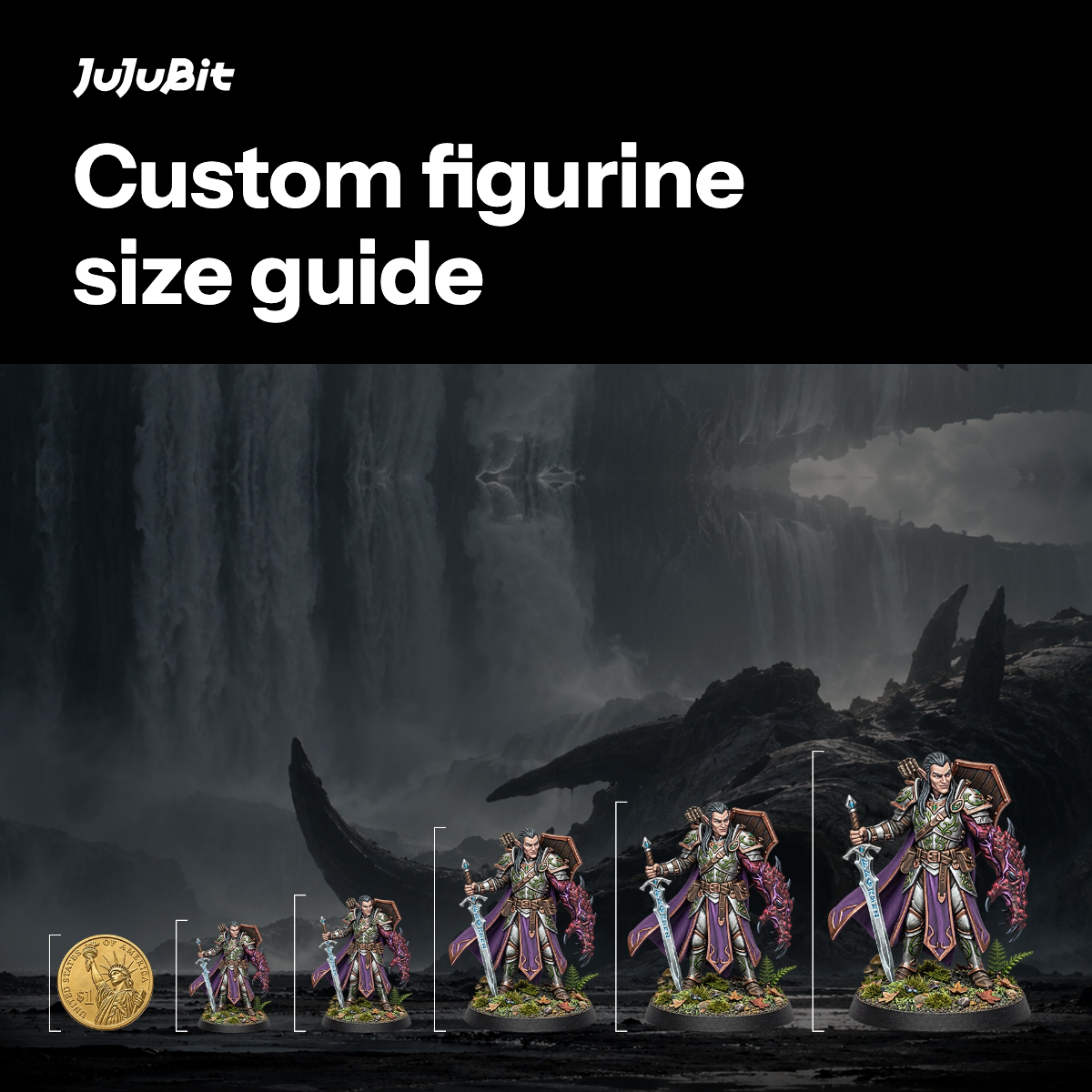
- Small means less detail. A 4 cm figure cannot hold the fine detail a 10 cm one can. Pick the size for where it will sit, not for the lowest price.
Frequently asked questions
Can you 3D print a person from a single photo?
You can get a model from one photo, but the photo only records one side. The back of the head, the profile, and the hands are guessed. That guess is usable for a stylized piece, and it is risky when the likeness has to hold up from the side. More photos, or a person checking the model, fix this.
Can I 3D print myself at home?
Yes, if you have a printer and time for the repair work. A resin printer holds facial detail better than a filament printer. Expect to close holes, thicken thin parts, and add a base before the model prints well. The printing is the short part. The cleanup is the long part.
What is the difference between a 3D model and a printed figure?
A 3D model is a file. It can be rotated on screen, dropped into a game, or sent to a printer. A printed figure is the physical result, and it only works if the file was made printable first: closed, thick enough, balanced, and with a plan for color. Many models look finished and fail those checks.
How much does it cost to 3D print a person?
Doing it yourself costs a printer plus materials, and the real cost is your time. A finished figurine from a photo starts at $29.99 for a 4 cm figure at JuJuBit, with larger sizes costing more. The price scales faster than the height, because the figure grows in three directions at once.
How long does it take?
A home project takes as long as the cleanup takes, which varies wildly. A finished figurine takes 7 to 10 business days to produce, then 5 to 12 business days for standard shipping in the US, or 10 to 25 internationally.
Will the printed figure look exactly like the photo?
No. The print is smaller than the photo, it reflects light instead of glowing, and anything the photo did not show was reconstructed. You can get close, especially if you check the model from the side before it is made. Expect color to shift slightly and fine detail to soften at small sizes.
See what your photo looks like first
You can check the hard part, the guessed sides, before committing to any route. Upload a photo and rotate the 3D preview. If it looks wrong from the side, try another photo.
Make a free 3D preview from your photo
For what happens to the model after you order, read how it works. To see how big each size really is, read the size guide.
The claim that a photo must become a model, and the three result types, come from a printer maker's guide read on November 15, 2026. The capture rules, the cleanup sequence, and the print-process comparison come from a studio guide read the same day. The lithophane steps come from a six-step tutorial, and the note about hands comes from a designer's own account of building miniatures from one photo. Tool behavior comes from a tool maker's comparison. JuJuBit's process, prices, material, and timing were checked against its live product page, how-it-works page, and shipping policy on November 14, 2026. We did not run the third-party tools or print the examples ourselves.
How this article was checked
The claim that a photo must become a model, and the three result types, come from a printer maker's guide read on November 15, 2026. The capture rules, the cleanup sequence, and the print-process comparison come from a studio guide read the same day. The lithophane steps come from a six-step tutorial, and the note about hands comes from a designer's own account of building miniatures from one photo. Tool behavior comes from a tool maker's comparison. JuJuBit's process, prices, material, and timing were checked against its live product page, how-it-works page, and shipping policy on November 14, 2026. We did not run the third-party tools or print the examples ourselves.
Sources & method
The claim that a photo must become a model, and the three result types, come from a printer maker's guide read on November 15, 2026.
The capture rules, the cleanup sequence, and the print-process comparison come from a studio guide read the same day.
The lithophane steps come from a six-step tutorial, and the note about hands comes from a designer's own account of building miniatures from one photo.
Tool behavior comes from a tool maker's comparison.
JuJuBit's process, prices, material, and timing were checked against its live product page, how-it-works page, and shipping policy on November 14, 2026.
We did not run the third-party tools or print the examples ourselves.
Limitations
We did not run the third-party tools or print the examples ourselves.
About the author
Kenneth Chen
Kenneth Chen focuses on search engine optimization, generative engine optimization (GEO), and growth engineering. He previously worked at Alibaba International. His editorial focus here is helping readers compare product workflows through clear explanations, traceable sources, and explicit limits.